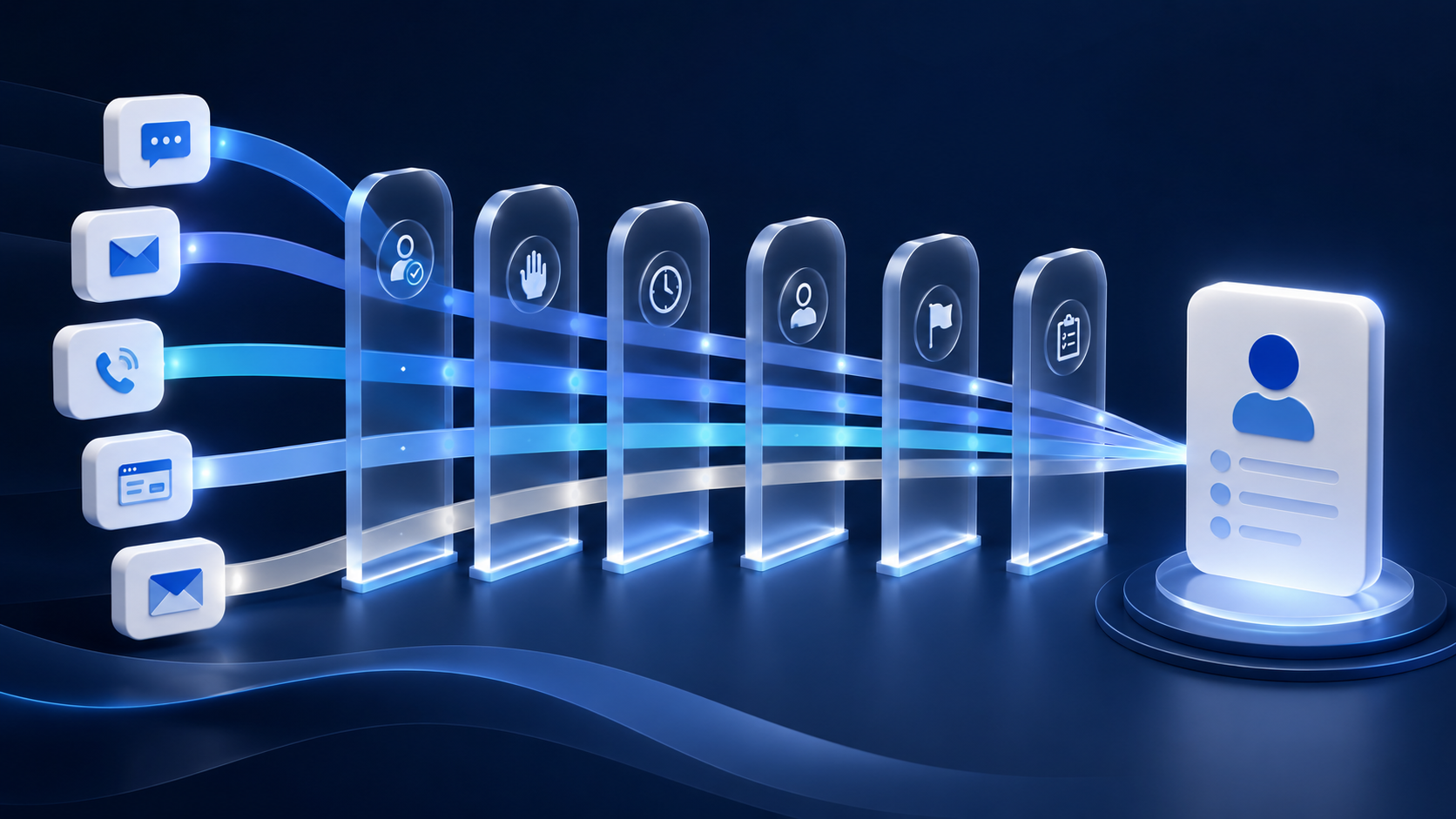
A collection agency does not need another place to send messages. It needs a customer communication platform that understands the account behind every conversation.
That distinction matters because collection communication is connected to balances, disputes, payment plans, client rules, consumer preferences, consent records, and workflow status. Generic customer communication tools may focus on customer support, a shared inbox, or automated messaging. A collection-focused system has to connect those capabilities to the collection CRM and the operational decisions that follow.
For agencies, communication management should create a smoother consumer journey, improve the consumer experience, and keep every channel aligned with current account context.
What Is a Customer Communication Platform in Collections?
A customer communications platform helps an organization create, deliver, track, and govern conversations across communication channels such as phone, SMS, email, voicemail, letters, portals, and messaging apps. In collections, it should connect directly to CRM systems, payments, disputes, workflows, and client reporting.
The platform should use current account context—such as balance, dispute status, client rules, permitted channels, and next action—to guide each interaction. Unlike a stand-alone sender, it coordinates communication with the collection process.
Why Generic CCM Software Is Not Enough
The broader CCM software market overlaps with customer support software, customer relationship management, and collaboration tools. Those products may emphasize support tickets, a ticketing system, chatbots, a knowledge base, social media, or video conferencing.
Collection agencies need more account logic. A CCM tool should understand payment status, disputes, client requirements, and workflow eligibility. A ticketing system can show that a consumer asked a question; CRM integration should also determine whether outreach pauses, case management begins, or a collector takes over. The best customer communication management software connects communication to the collection process.
Centralize Communication Around the CRM
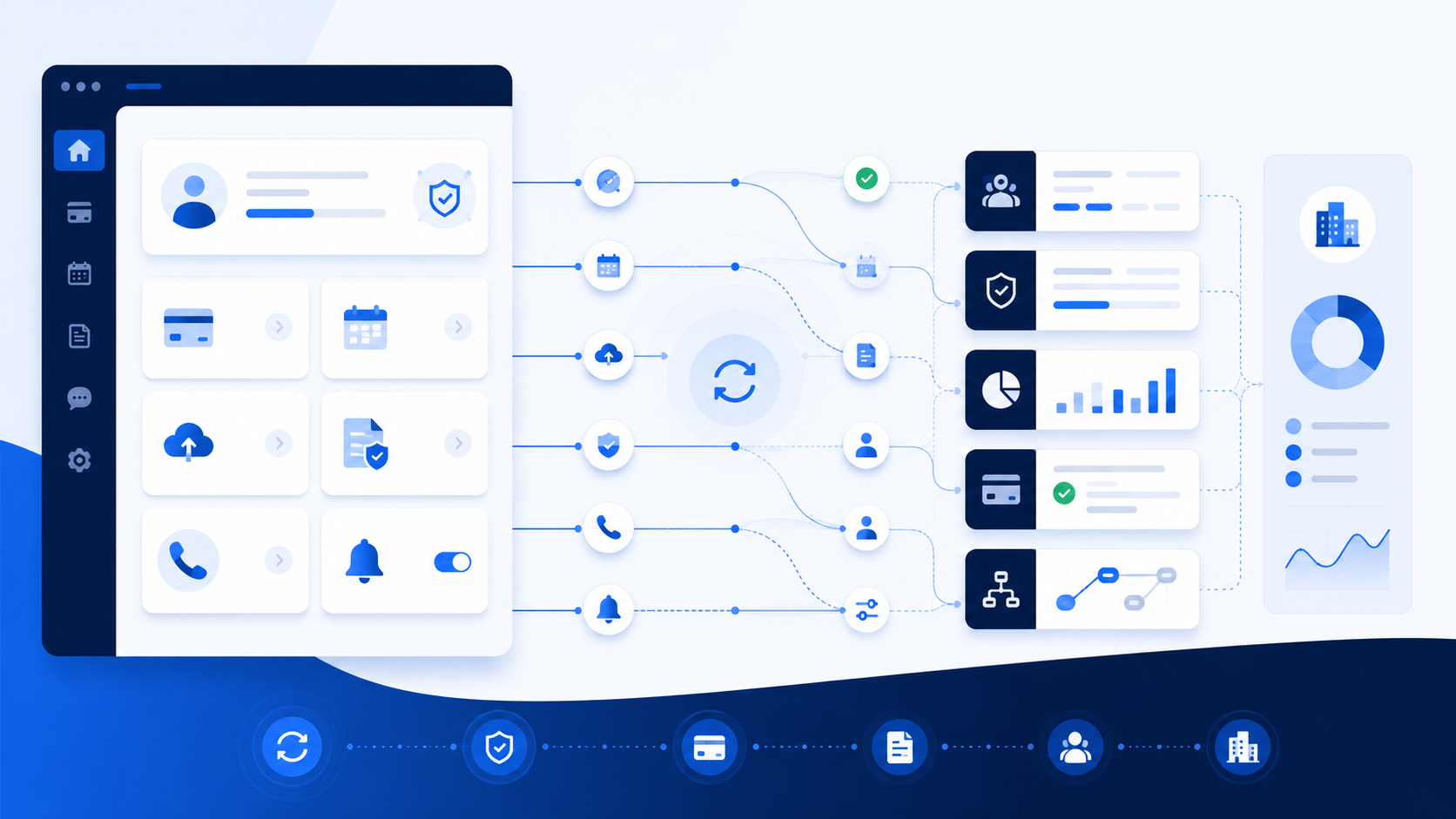
A modern CRM should hold account context while the communication layer uses it across channels. Strong CRM integration keeps messages, payments, opt-outs, disputes, and account changes synchronized across CRM systems.
A shared inbox can help teams manage incoming SMS and email, but a shared inbox alone is not enough. Agencies also need a unified inbox or account timeline that connects each message to the correct consumer, client, collector, and workflow.
This improves consumer service because collectors do not have to reconstruct the conversation. Internal comments, support tickets, and case management can stay attached to the same record instead of separate collaboration tools.
Use Automation to Move the Consumer Journey Forward
Automation is most useful when it reacts to account events. A payment reminder should stop when a payment posts. A failed payment can start a follow-up sequence. An inbound response can create a task. A dispute can trigger case management and route the account for review.
That event-driven logic turns the platform into an operating layer rather than a campaign tool. Each action should reflect current account status and the agency’s approved rules.
Personalization should go beyond inserting a first name. Messages should reflect the consumer’s payment status and recent interaction history so outreach stays relevant without requiring manual coordination.
Connect Chatbots, Knowledge, and Human Handoffs
Chatbots can help with defined self-service tasks such as answering basic questions, routing a request, or directing a consumer to a portal. But chatbots should not become another disconnected channel.
When an automated assistant collects information or triggers an action, the CRM should record it. Disputes, complex payment questions, and document requests should transfer to a collector with the relevant context.
A knowledge base can help collectors and automated systems follow approved procedures, while case notes and support records remain attached to the consumer’s history.
Build Omnichannel Support, Not Just More Channels
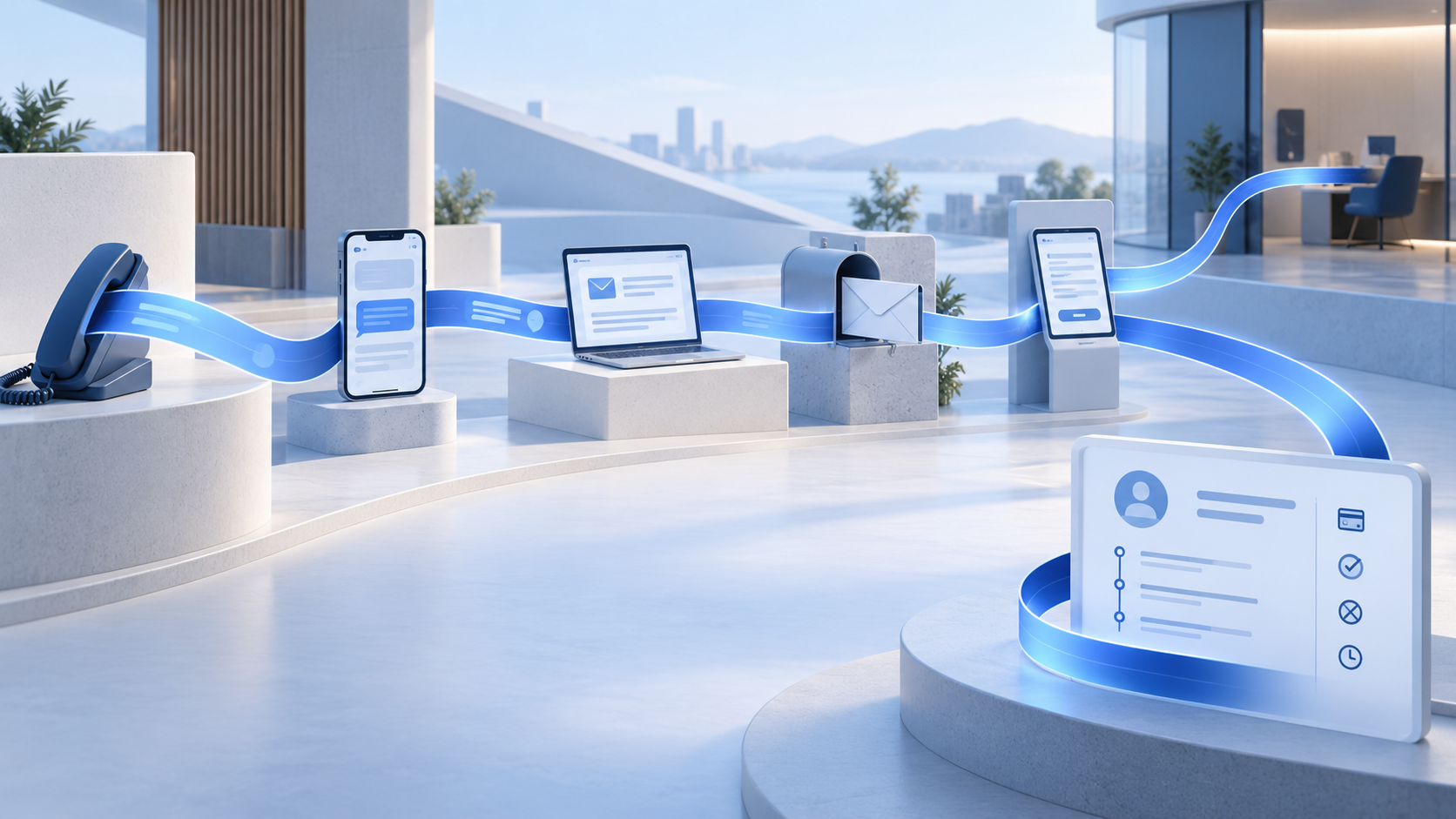
Omnichannel support means communication channels work together around one account. SMS, email, phone, voicemail, letters, and portal activity should not each operate from different assumptions about what the consumer has done.
That is different from multichannel support, where an agency simply offers several channels. Omnichannel messaging should preserve context as the consumer moves between them. If someone receives an SMS, visits a portal, makes a payment, and later calls, the collector should see that consumer journey in one place.
As communication volume grows, enterprise omnichannel outreach depends more heavily on centralized rules, audit trails, and workflow orchestration to keep every channel aligned.
Features built for general collaboration should not outweigh collection-specific channels, account controls, and auditability during evaluation.
Compliance Has to Travel With the Conversation
Collection communication cannot be separated from account-level controls. The FDCPA provides the federal baseline for third-party debt collection, while Regulation F implements the FDCPA and provides more detailed communication requirements, including electronic opt-outs.
Operationally, automation should evaluate time and location rules, channel-specific opt-outs, account status, client instructions, approved templates, and other applicable controls before automated messaging runs. If an organization handles protected health information as a covered entity or business associate, HIPAA requirements may also apply to its data handling and permissions.
For a deeper look at how these controls fit into day-to-day operations, digital debt collection compliance should be built directly into communication workflows rather than handled as a separate step. Agencies should work with qualified counsel on requirements for their specific channels and technologies.
What to Look for in Customer Communication Management Software
When evaluating a platform, start with the account record. Confirm that CRM integrations and APIs can keep outside providers synchronized and return delivery, response, payment, and opt-out events quickly.
Next, test whether the system can preserve context across channels, route exceptions to people, and produce a reliable audit history. Templates and internal guidance should support—not replace—those core controls.
The best customer communication tools preserve account context. That matters more than choosing CCM software for the most chatbots, collaboration tools, messaging apps, or social media integrations.
How Aktos Connects Communication to Collection Workflows
At Aktos, we bring communication into the same environment as account data and collection workflows. Agencies can coordinate email, SMS, voicemail, and letters while keeping communication tied to consumer and client records. Our automation responds to account events, and our open API ecosystem supports external providers. When consumers use debtor portals to make payments, review balances, or manage account activity, those actions should update the same CRM workflow used by collectors and automated communication.
That closed loop is the difference between adding another communication channel and building a customer communication platform that understands collections.
Final Thoughts: Choose Communication Software That Understands the Account
For collection agencies, customer communications management works best when communication is part of the operating system, not a separate layer beside it.
The right platform connects communication to current account context. It should help agencies deliver a more coherent consumer experience while keeping payment, dispute, preference, and workflow information synchronized.
FAQs
Q: What is a customer communication platform for collections?
A: It is software that coordinates phone and digital interactions around the account record so communication reflects current payments, disputes, preferences, and workflow status.
Q: What is the difference between CCM software and a collection CRM?
A: CCM software focuses on creating, delivering, and managing communications. A collection CRM also manages account state, payments, disputes, client requirements, and workflows. The strongest setup connects those capabilities closely.
Q: Do collection agencies need chatbots and a shared inbox?
A: Chatbots and shared inboxes can help, but only when they write activity back to the CRM and support clean handoffs to collectors.
Q: Is omnichannel support the same as multichannel support?
A: No. Multichannel support means offering several channels. Omnichannel support means those channels share account context so the consumer journey can continue without each interaction starting over.