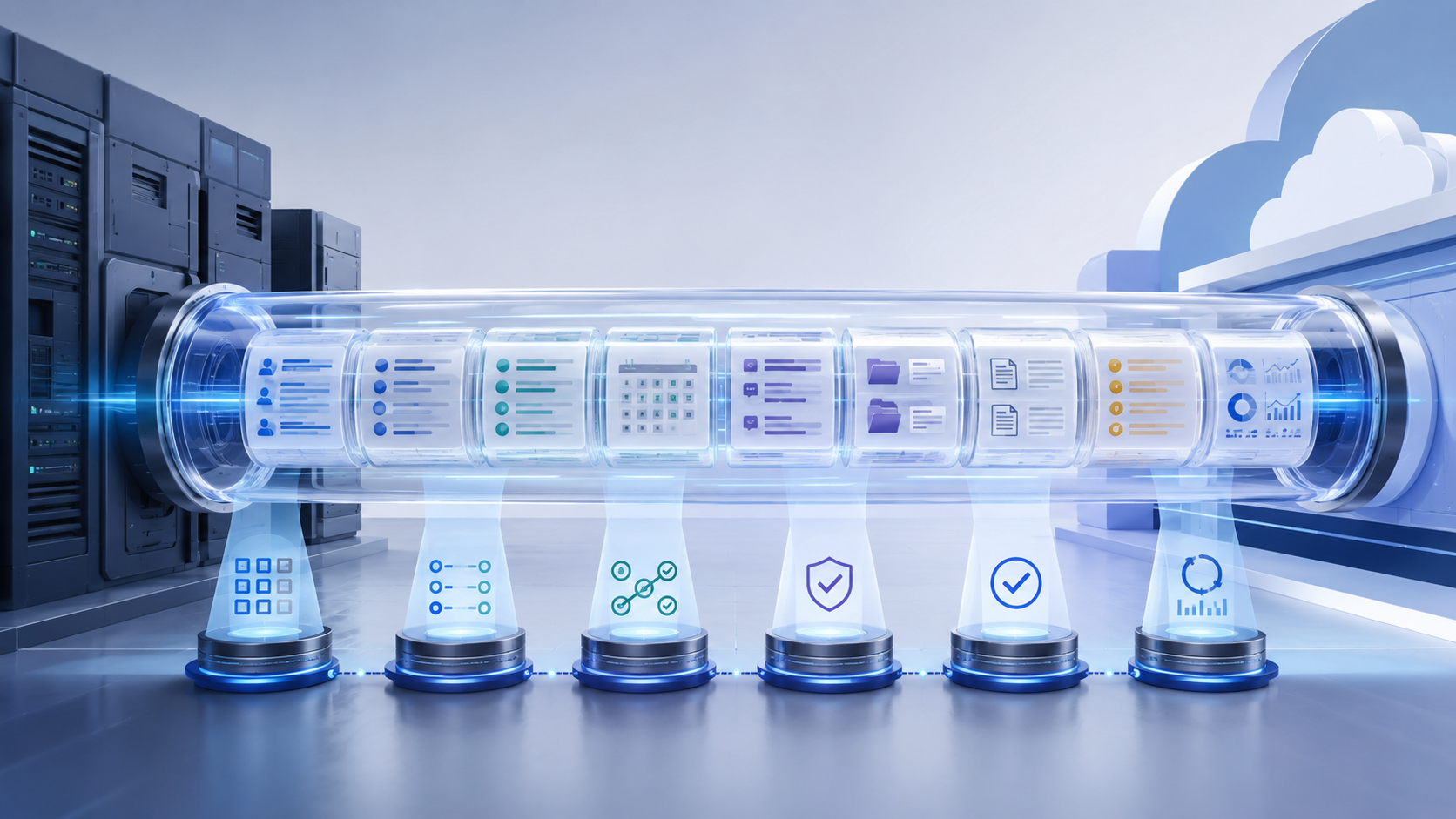
A collection software migration is not simply a database migration. It is an operational project that must preserve account history, payment context, dispute status, documents, permissions, and workflow signals.
A strong data migration checklist defines project scope, protects data quality, reduces downtime, and verifies business continuity in the target system. Use this framework to plan, test, cut over, and stabilize the new platform.
Why Collection Software Migrations Become Complicated
Legacy systems accumulate years of custom fields, inconsistent status codes, duplicate records, client-specific placement formats, and undocumented workarounds. Documents may live outside the source system. Payment processors, dialers, letter vendors, and reporting tools may exchange data through separate files or APIs.
These data dependencies create risk. An obsolete-looking field may drive a client report, while a future-dated payment may depend on a processor token. Without disciplined data assessment and data governance, a successful data transfer can still disrupt operations.
Phase 1: Define Scope, Ownership, and Success
Name an executive sponsor, project manager, technical owner, operations lead, compliance reviewer, and client-service representative. Define which portfolios, users, integrations, historical periods, documents, and workflows are included in the data migration plan.
Set acceptance criteria before work begins. Decide what must move, what can remain archived, and who approves exceptions. Clarify whether the data migration strategy uses phases or a big bang migration. Document contingency plans, rollback authority, and allowable downtime. The National Institute of Standards and Technology (NIST) provides general system migration planning guidance that emphasizes dependencies, ownership, and tested rollback procedures.
Phase 2: Build a Complete Data Inventory
Conduct data profiling across the source system and connected repositories. Inventory:
- Accounts and placements: client identifiers, placement dates, portfolios, balances, fees, adjustments, status, lifecycle stage, and assignment.
- Consumer information: names, contact details, time zones, preferences, consent and revocation records, and deceased, represented, disputed, or cease-communication indicators.
- Payments: completed transactions, reversals, chargebacks, settlement terms, payment arrangements, future scheduled payments, and processor references.
- Communications: call outcomes, SMS and email history, letters, voicemail activity, notes, and queue history.
- Disputes and legal records: dispute reasons, validation activity, correspondence, supporting files, legal referrals, lawsuits, judgments, and milestones when applicable.
Identify files stored outside the core platform and preserve each document’s link to its account.
Phase 3: Map, Clean, and Transform the Data
Create a source-to-destination data mapping document for every field. Identify what will be renamed, combined, split, retired, or converted in the target system. Define acceptable values for statuses and codes, resolve conflicting definitions across clients, and assign an approver to every mapping decision.
Perform data cleansing by standardizing dates, phone numbers, addresses, client codes, and statuses. Flag missing values and duplicate records. Separate inactive history without destroying evidence of prior changes.
Document transformation rules and business logic. ETL (extract, transform, and load) should be repeatable, logged, and reviewable; the ETL process must surface exceptions. Data extraction should never silently “fix” balances, dispute states, or legal milestones. Each data transformation needs an approved rule.
Address compatibility issues between legacy formats and the new platform. Migration tools and data migration services should report failures instead of dropping unsupported values. Aktos’s API-first migration guide shows why early interface mapping protects continuity.
Phase 4: Rebuild Integrations, Workflows, and Permissions
Rebuild connections to creditor systems, payment processors, dialers, communication vendors, credit bureaus, portals, BI tools, and legal systems. Document each owner, data direction, update frequency, failure process, and reconciliation method.
Test data integration as a business scenario, not merely an API response. Confirm placements, payments, disputes, reports, and communication preferences trigger the correct outcomes.
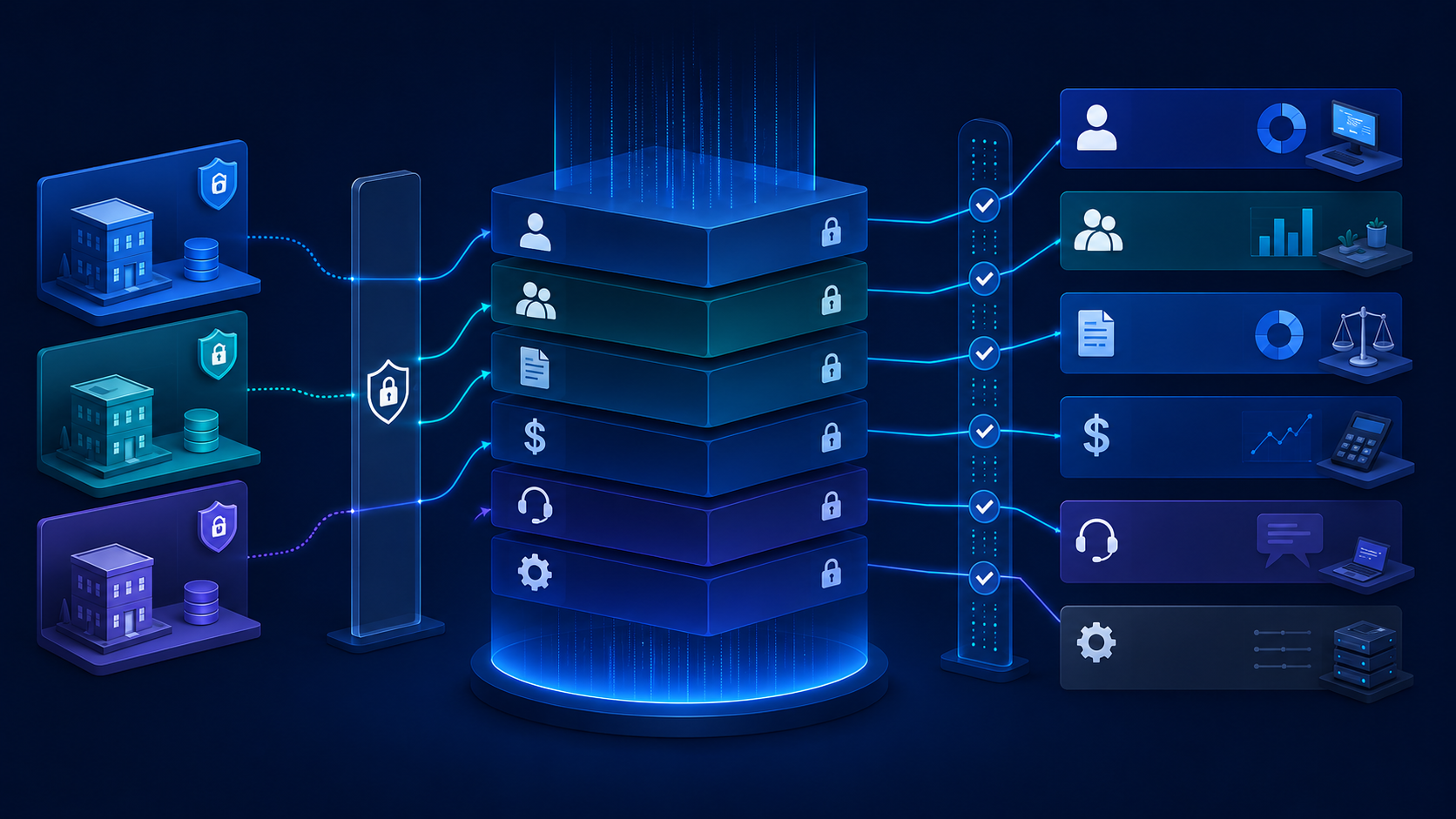
Recreate client-specific routing, segmentation, payment, dispute, and reporting workflows before adding new automation. Validate role-based access and restricted fields. Aktos’s guide to data permissioning in debt collection software offers a practical model for protecting sensitive data by role, client, portfolio, and function.
For healthcare portfolios, evaluate HIPAA requirements with qualified counsel and confirm that access controls, file handling, and data security remain appropriate throughout the migration. The U.S. Department of Health & Human Services outlines HIPAA security standards that can guide compliance considerations.
Phase 5: Run Test Migrations and UAT
Use representative samples across clients, account types, payment states, disputes, and document formats. Run multiple test migrations and dry runs; one clean import is not proof.
Compare source and target record counts, balances, payment histories, statuses, documents, and communication histories to detect data loss. Use automated data validation where possible. The U.S. Government Accountability Office provides data reliability assessment practices that can help structure validation efforts.
Conduct user acceptance testing, or UAT, with each role. Test normal and exception scenarios, compare system performance with performance benchmarks, watch for performance bottlenecks, and retest every mismatch.
Phase 6: Prepare and Execute Cutover
Choose the final extraction window and define when users stop entering data in the old system. Account for transactions received during the transition and assign owners for go/no-go decisions, support, notifications, and rollback.
The Cybersecurity and Infrastructure Security Agency (CISA) recommends structured transition planning, including backups and rollback readiness, in its system resilience guidance. These controls reduce data loss, downtime, and cutover confusion.
Do not retire the legacy environment immediately. Maintain secure archive access until retention, reporting, and recovery requirements are satisfied.
Phase 7: Reconcile and Stabilize Operations
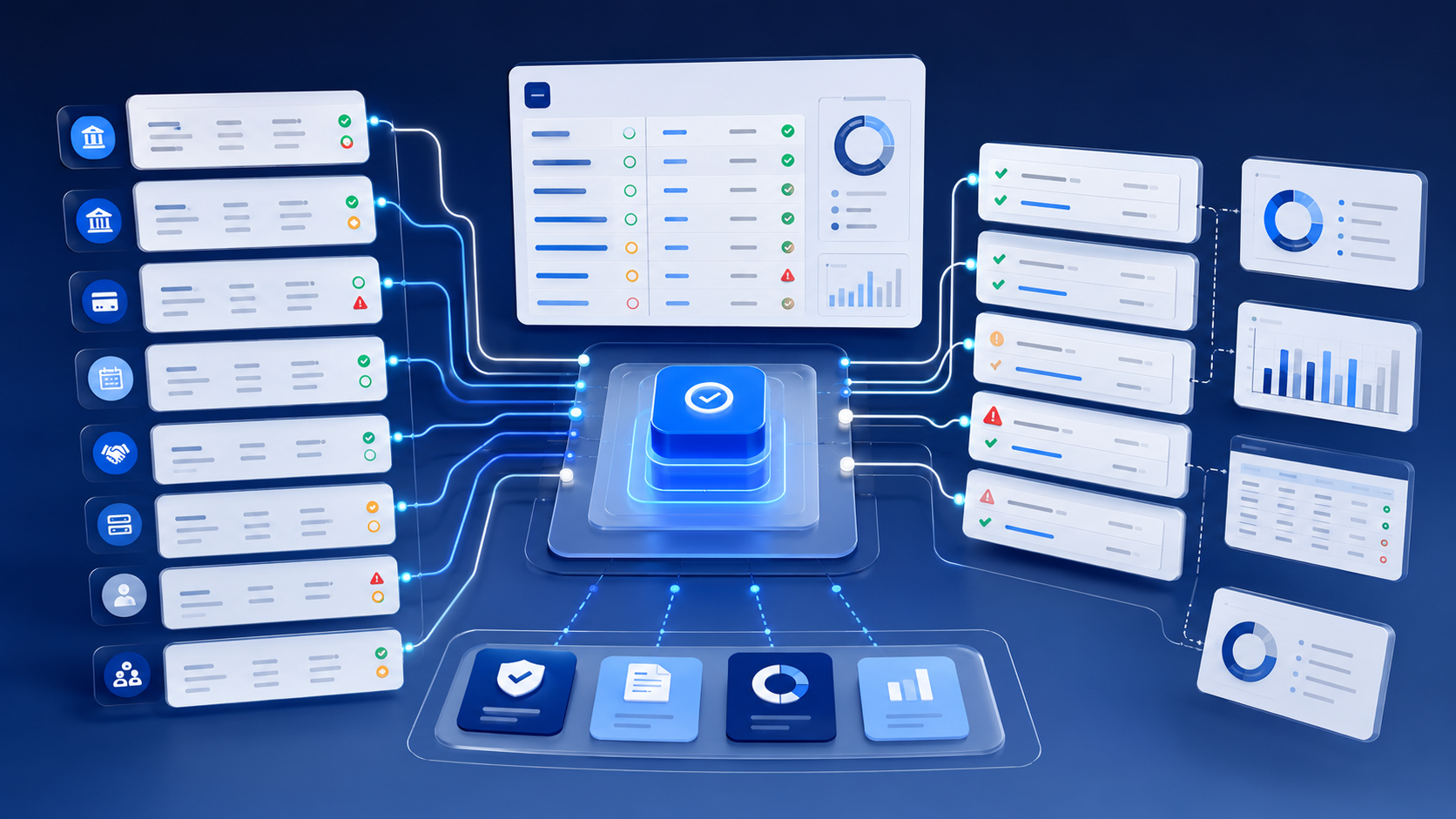
Post-migration validation should combine aggregate checks with individual exception review. Compare total account counts and balances, confirm active payment arrangements, validate recent payments and disputes, test client reports, and verify that every integration sends and receives information correctly.
Data reconciliation should also confirm documents, audit history, permissions, and workflow outcomes. Aktos’s guide to payment reconciliation for collection agencies shows why payments, bank activity, account records, and client remittance must resolve to the same truth.
During stabilization, use real-time monitoring for failed integrations, sync errors, exceptions, and system performance. Hold daily reviews and delay nonessential changes until data quality issues are resolved. Preserve searchable evidence through complete audit trails, including who changed a record, when it changed, and what process triggered the action.
Migration Questions to Ask Software Vendors
Ask who owns the migration strategy, which data types are included, how field mappings are approved, how many test migrations are performed, how recordings and documents move, and how active payments are handled during cutover. Request sample reconciliation reports, failed-record procedures, integration testing plans, security controls, and the support model for the first days after launch.
Final Thoughts: Protect Operational Continuity
The best data migration checklists measure continuity: employees can work, consumers receive accurate information, payments remain intact, and clients receive trusted reporting. Data integrity, testing, ownership, and reconciliation matter more than a fast import.
Aktos supports guided implementation, configurable workflows, open integrations, and a modern data environment so agencies can coordinate data mapping, testing, permissions, and operational cutover in one migration program.
FAQs
Q: How long does a debt collection software migration take?
A: The timeline depends on data volume, customization, integrations, historical records, testing requirements, project scope, and internal availability.
Q: Should every historical record move to the new platform?
A: Not necessarily. Define what must remain operational, what must be retained, and what can be stored in a secure, searchable archive.
Q: How do agencies verify migrated balances?
A: Compare source and destination totals, then validate representative accounts and exceptions at the individual-record level.
Q: When should collectors receive training?
A: Schedule training close enough to launch for users to retain it, while leaving time for role-specific UAT, questions, and corrective practice.